

Guide
Turning a cooking video into a recipe you can cook from
A 40-second video is a wonderful way to decide you want to eat something and a terrible way to cook it. There is no ingredient list to shop from, no amounts you can read back, and no way to find the step you are on without scrubbing the timeline with a greasy thumb.
Why videos are hard to cook from
It is not that the information is missing. It is that it is scattered across three places that do not line up:
- Spoken — "a good glug of olive oil", said once, over music.
- On screen — 2 tbsp in the corner for half a second, in a font chosen for looks.
- Only shown — the pan goes from raw to golden in a cut, and the eight minutes that took are nowhere.
A caption underneath sometimes has the full recipe and sometimes has three emoji and "recipe in my bio". So "just read the description" is not a strategy.
What a useful conversion has to produce
Three things, or it is not a recipe:
- An ingredient list with amounts, in a form you can shop from before you start.
- Steps in order, separated, so there is a "next" to move to.
- Timing per step where the video makes it knowable — the difference between "sauté the onions" and "sauté the onions, about 8 minutes".
Silent videos
A large share of the best cooking videos have no narration at all — music over a pair of hands, amounts flashed on screen, no captions. Tools that work from a transcript produce nothing at all from those, which is why so many "video to recipe" results come back empty for exactly the videos people save most.
Cook Along reads what happens on screen as well as what is said, so a silent video still comes back as an ingredient list and ordered steps.
Where it stops
If the amounts were never in the video, they are not in the recipe. The honest outcome is the steps that are genuinely there plus the source link — not a confident-looking number that nobody ever stated. Guessing quantities is how a recipe tool loses your trust in one dinner.
The original stays one tap away. The creator made the thing; the link back is part of the recipe, not a footnote. If something reads oddly, the video is right there to check.
How to do it
- Hit Share on the video — in TikTok, Instagram, YouTube, or the browser on a recipe page.
- Choose Cook Along from the share sheet. Or copy the link and paste it into the app, which works the same way.
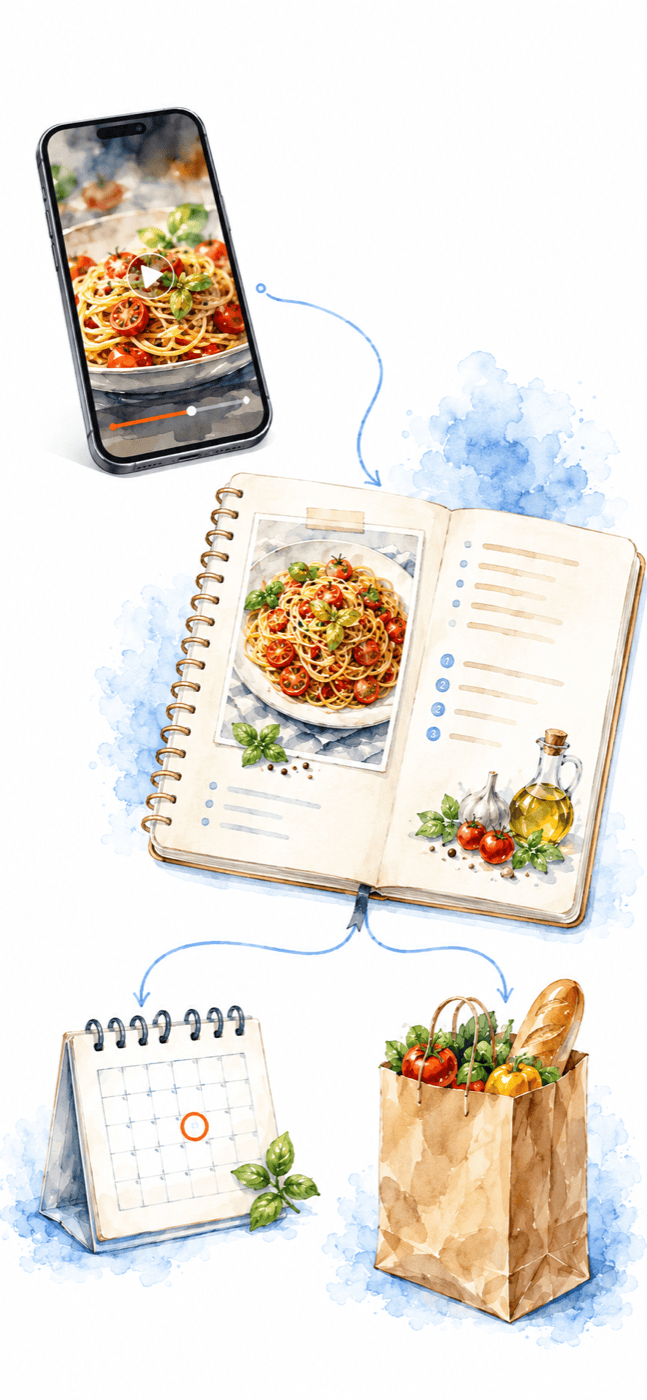
- Open the recipe. Ingredients, steps and timings, saved to your own collection.
The share sheet, step by step, for TikTok on iPhone and Android →
And then you still have to cook it
Converting the video is the part everybody focuses on, and it is the easier half. The reason to have the recipe in a readable form at all is so something can walk you through it while your hands are busy — which is what Coco is for.
Cooking it without touching your phone →
Common questions
Which sites does it work with?
TikTok, Instagram, YouTube and ordinary recipe pages — anything you can hit Share on, or paste a link to.
Does it keep the original?
Yes. The source link travels with the recipe.
Can I fix something it got wrong?
Yes — a recipe you saved is yours to edit, and notes you add stay with it.
Is my whole video history being read?
No. Nothing happens until you share one specific link. See the privacy policy for what is kept and for how long.
Out now on iPhone and Android
Get Cook Along.
Free to start. Download it and cook something tonight.