

Guide
Saving a TikTok recipe so you actually cook it
Most people have a folder of two hundred saved cooking videos and have cooked about four of them. The videos are not the problem. The problem is that a favourite is a bookmark, and a bookmark is not something you can shop from or follow at the stove.
Why TikTok favourites go uncooked
Try to actually make one, a week later, and the reasons show up in order:
- You cannot tell from the folder which video was the chicken thing you wanted.
- There is no shopping list, so you find out you are missing two ingredients after you have started.
- The amounts were on screen for half a second, three scrubs back.
- And once your hands are dirty, scrubbing a timeline is over.
Saving is one tap and costs nothing, which is exactly why the folder grows and nothing gets cooked. What is missing is the conversion from a thing I liked into a thing I can make on Tuesday.
Sending a TikTok to Cook Along
- Tap the share arrow on the right-hand side of the video in TikTok.
- Choose Cook Along. On iPhone, tap More to reach the system share sheet first; on Android, Cook Along is in the Share via list. Once you have used it once, it moves up the list on both.
- Open the recipe. Ingredients with amounts, steps in order, timings where the video makes them knowable — and a link back to the original.
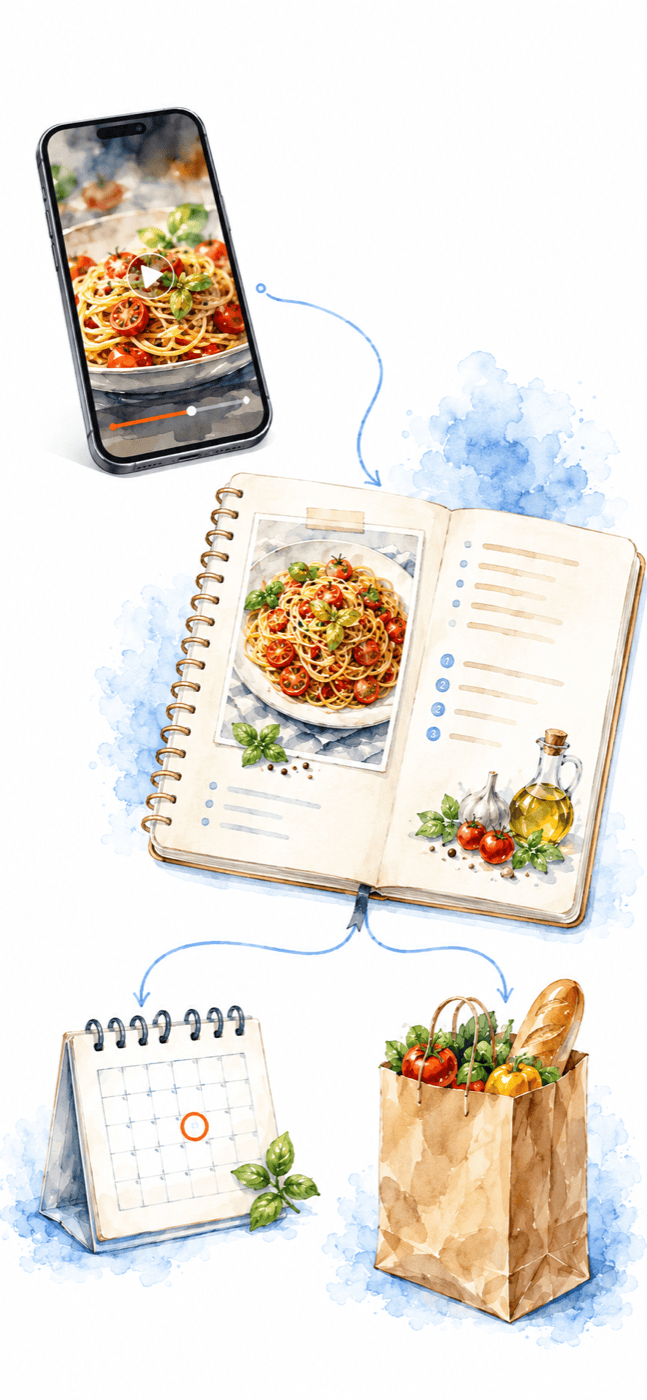
Pasting works too, and it is the fallback worth knowing: copy the link in TikTok and paste it into Cook Along. Same result, useful when the share sheet is being uncooperative or you are back at a laptop.
Videos with no talking
TikTok cooking is mostly music over a pair of hands, with the quantities typed on screen. Anything working from a transcript returns nothing for those — which is most of the folder. Cook Along reads what is on screen as well, so a silent video still comes back as a real ingredient list.
How a video becomes an ingredient list and ordered steps →
When it does not work
The video never showed the amounts. Some do not. You get the steps that are genuinely there and the source link, rather than invented quantities — see the video guide for why guessing is the worse option.
It is not really a recipe. A restaurant montage or a taste test has nothing to extract. That is a correct result, not a failure.
Cook Along is not in the share sheet. On iPhone the system sheet hides apps behind More, and the order is editable — scroll to the end of the row and tap More or Edit Actions. Failing that, copy the link and paste it into the app.
Something came back wrong. The recipe is yours to edit, and the original is one tap away to check against. If an import goes badly and you want us to look, hello@cookalongapp.com — send the link.
What happens to the creator's link
It stays attached. The person who made the video did the work; a saved recipe that quietly loses its source is not something we want to ship. The link travels with the recipe, and going back to watch a technique you would rather see than read is one tap.
Then cook it
The point of converting the video is not to own a tidy text file. It is that once a recipe is in steps, something can walk you through them while your hands are in the pan — telling you each step, keeping your place, answering when you ask, and looking at the pan when a description will not do.
Cooking it without touching your phone →
Common questions
Does this work for Instagram and YouTube too?
Yes — same share sheet, same result. Ordinary recipe pages in a browser as well.
Do I need a TikTok account?
No. Cook Along never signs in to TikTok; it only reads the one public link you send it.
Does it download the video?
No. What gets saved is a recipe — ingredients, steps, timings — and the link back to the original.
Can I put the recipes somewhere?
Yes, saved recipes go into cookbooks you name, and everything is searchable in one box.
Out now on iPhone and Android
Get Cook Along.
Free to start. Download it and cook something tonight.