

Guide
Cooking with your hands full
Every recipe app is easy to use right up to the moment you start cooking. Then your hands are in the chicken, the screen has gone dark, and the step you needed is somewhere above the ingredient list.
The four moments a phone becomes useless
They are always the same four, in every kitchen:
- Raw meat. You are not touching the phone, and you should not want to.
- Wet or floury fingers. A capacitive screen will not register a wet fingertip, and flour gets everywhere it is allowed to.
- Both hands committed. One holds the pan, one holds the spoon, and the next step is thirty seconds away.
- The screen sleeps. The most ordinary one. Twenty seconds of stirring, and now you need a clean hand to find out what came next.
Each of them ends the same way: wash hands, dry hands, scroll, find your place, go back. That loop is the actual cost of cooking from a phone, and it is why recipes get abandoned halfway through.
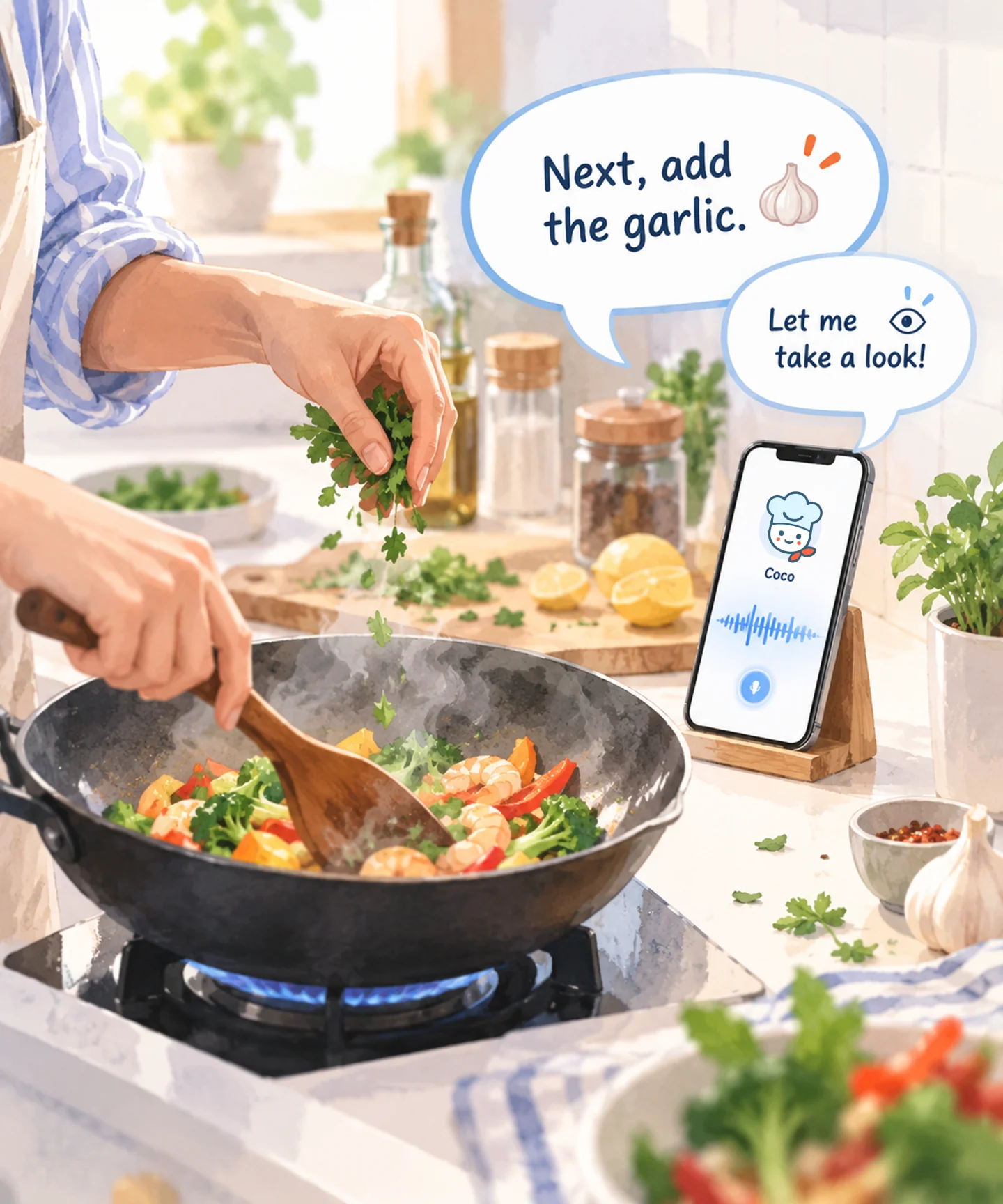
How it works in Cook Along
- Open the recipe. One already in the app, or one you shared in from a video or a recipe page.
- Tap Cook with Coco. The first step comes up on screen, and Coco tells you what it is.
- Put the phone down where you can hear it, propped against something, camera facing the stove if you want to be able to show it the pan.
- Talk instead of tapping. The recipe moves when you say so — not on a timer, and not on a guess.
What to say
There is no command list to memorise. These are the things people say most, and they all work the way they read:
- "Coco, next"
- "What should I do next?"
- "How much garlic?"
- "How do I know when it's done?"
- "Say that again"
The useful part is not the phrasing, it is that Coco already knows which step you are on. "How much garlic?" needs no more context than that — the answer is the amount this step calls for, not the total in the ingredient list.
Why keeping your place matters more than the voice does →
When words are not enough, show it
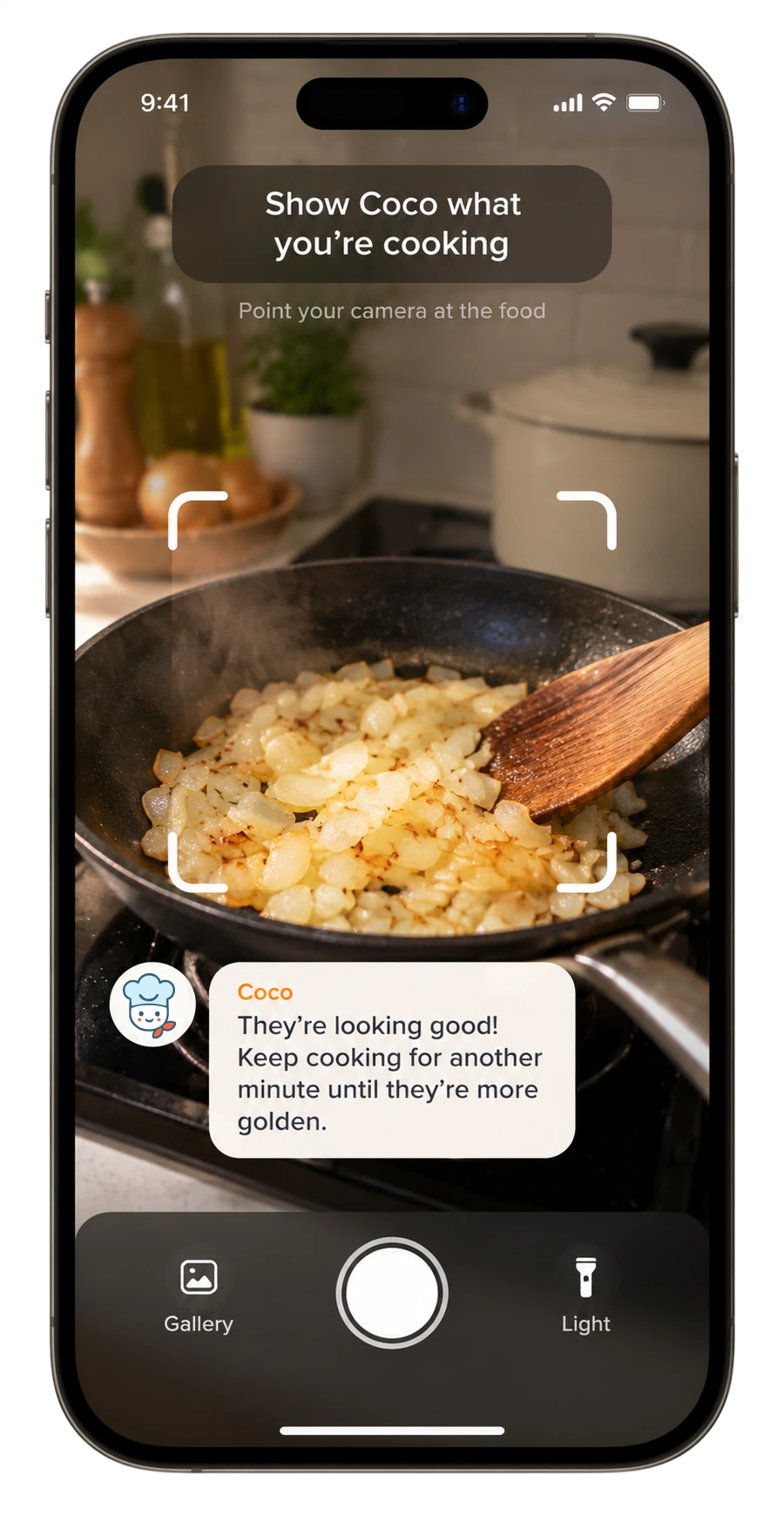
"Cook until deep golden" assumes you know what deep golden looks like in your pan, on your stove. Instead of describing it, point the phone at the pan and ask. Coco looks and answers about what is actually there.
What about the noise?
An extractor fan, a hot pan and a radio are the normal condition of a kitchen, not an edge case. Two things follow from that.
Nothing advances on a guess. If a phrase is missed, the step stays where it is. The failure people actually hate is a recipe that skips ahead while their hands are busy, and that is worse than not hearing at all.
Tapping always still works. Voice is the convenience; the screen is the fallback. Every step is on screen, and you can move through the whole recipe with your thumb if the kitchen is winning.
Common questions
Does the screen stay on while cooking?
Yes — the point of a cooking mode is that the recipe is still there when you look up.
Can I go back a step?
Yes. Ask for the previous step, or tap back. Recipes are not one-way; most cooking involves checking what you just did.
Do I need headphones?
No. It is designed to be heard across a kitchen from a phone on the counter.
Does it work with any recipe?
It works with the recipes in Cook Along and with recipes you bring in yourself — see turning a cooking video into a recipe.
Out now on iPhone and Android
Get Cook Along.
Free to start. Download it and cook something tonight.